
Workspace+
Save and restore macOS workspaces with just one click
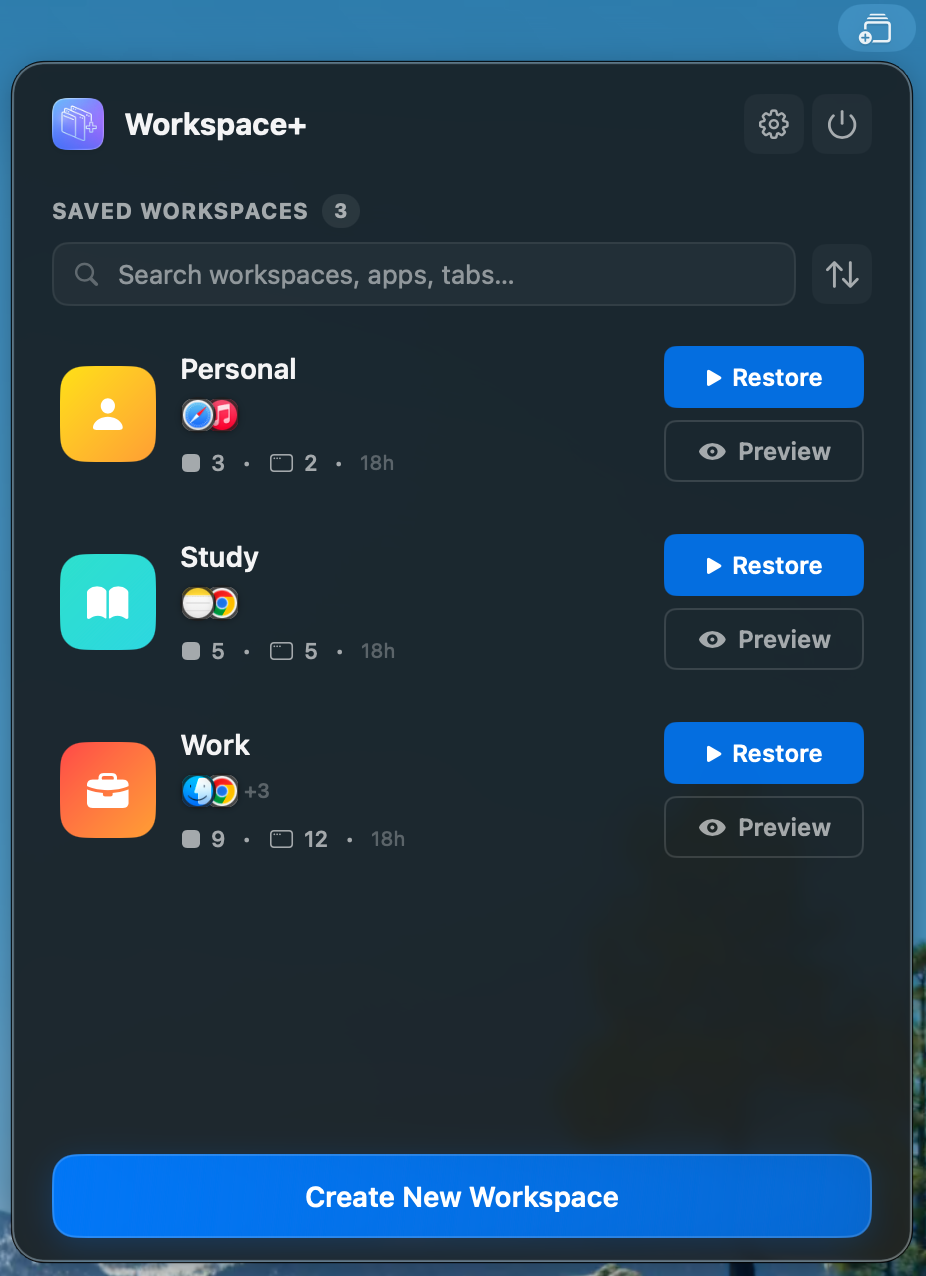
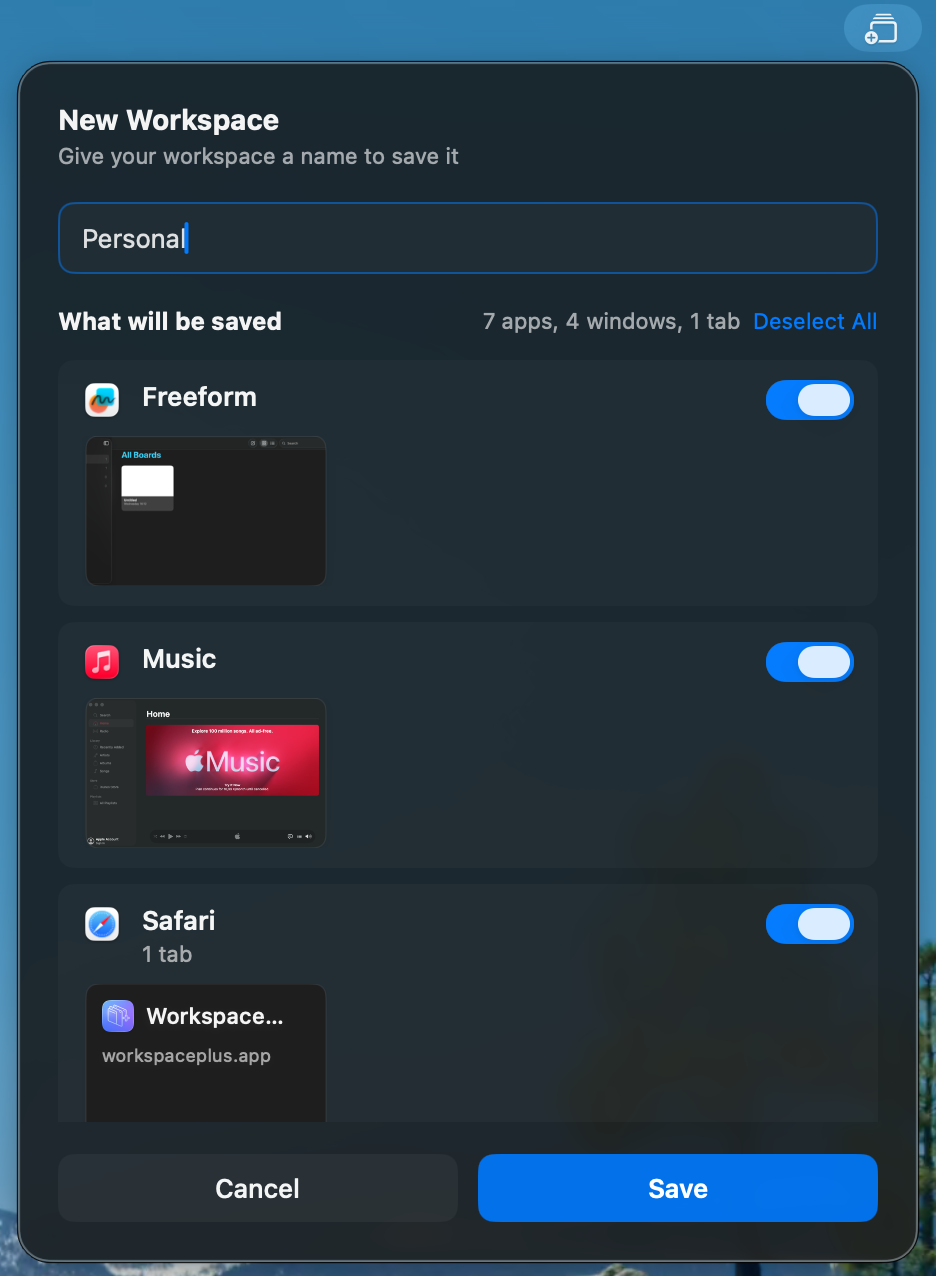
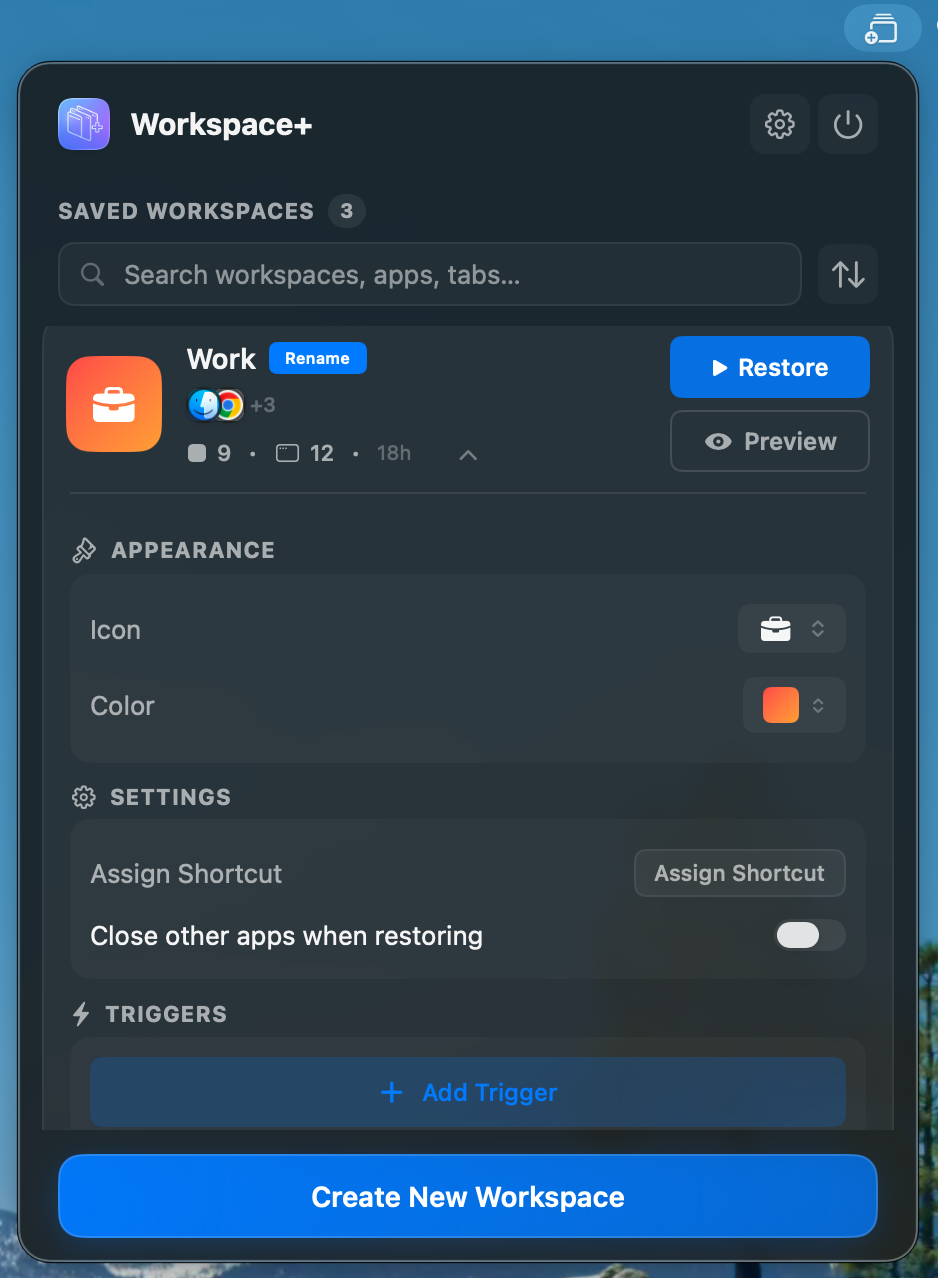
Workspace+ is a workspace manager for macOS that captures and restores your entire work environment — all your apps, windows, files, browser tabs, and their exact positions — with a single click or keyboard shortcut. How it works: 1. Open all the apps, files, and browser tabs you want to save in the new workspace. Arrange your windows exactly how you like them across all your displays. 2. Click the Workspace+ icon in your menu bar and save your current setup. Give it a descriptive name like "Client A," "Work," or "Study." 3. Need to switch contexts? Select your saved workspace and watch everything reopen exactly as you left it — in seconds. ✨ Key Features: • Pixel perfect restoration across multiple displays (spaces are not supported) • Restoring of browser tabs across multiple windows • Triggers to restore automatically when an external display is connected • Custom icons and colors • Export/import workspace configurations
Screenshots (3)
Comments (5)
It is such a time saver and I can focus on what matters again. Just try it out, I'm looking forward to your feedback! :)
Cool Idea! I like it is implemented as an app
@jenezis Thank you!
How does this integrate with the native OS? Does macOS support sending all open windows to disk memory and then reopening only a few chosen ones?
Love the way the product makes a hard thing feel easy. And if you ever need DDoS protection with a proper firewall for your website, just let us know!