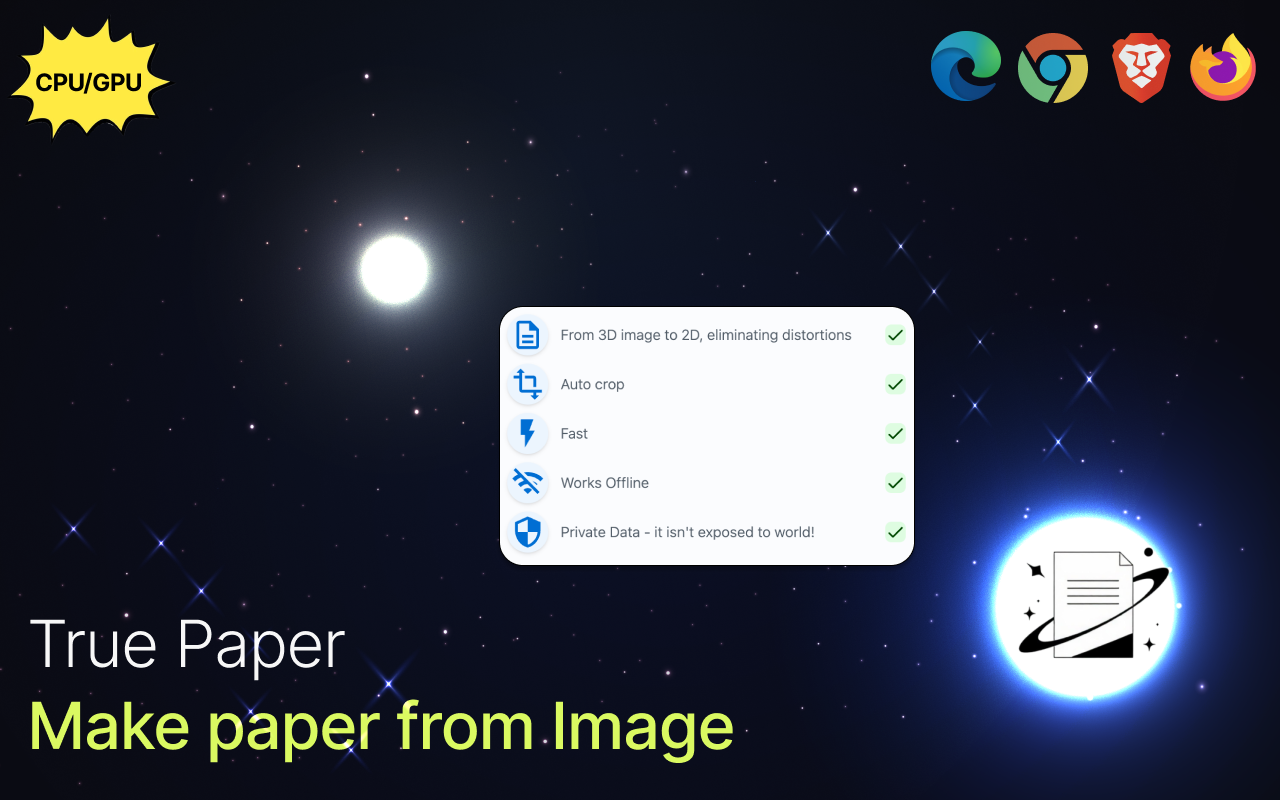
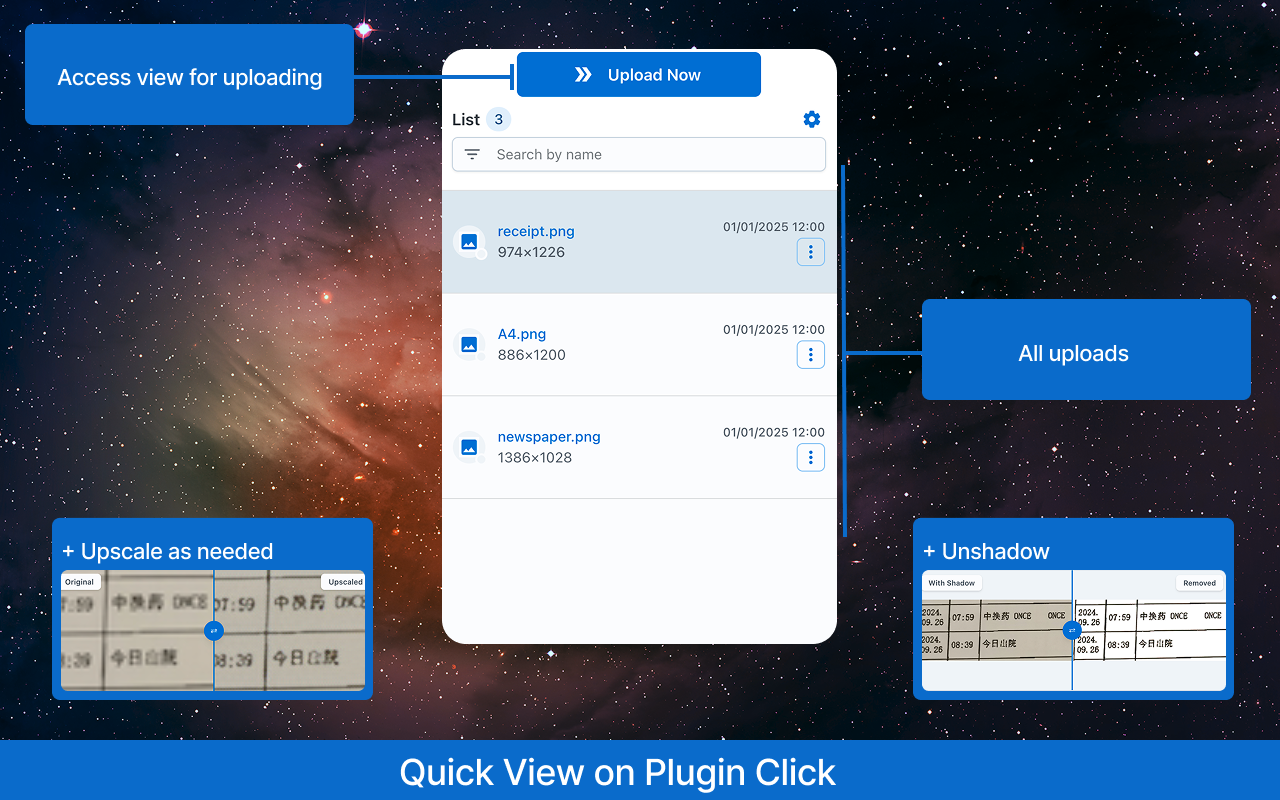
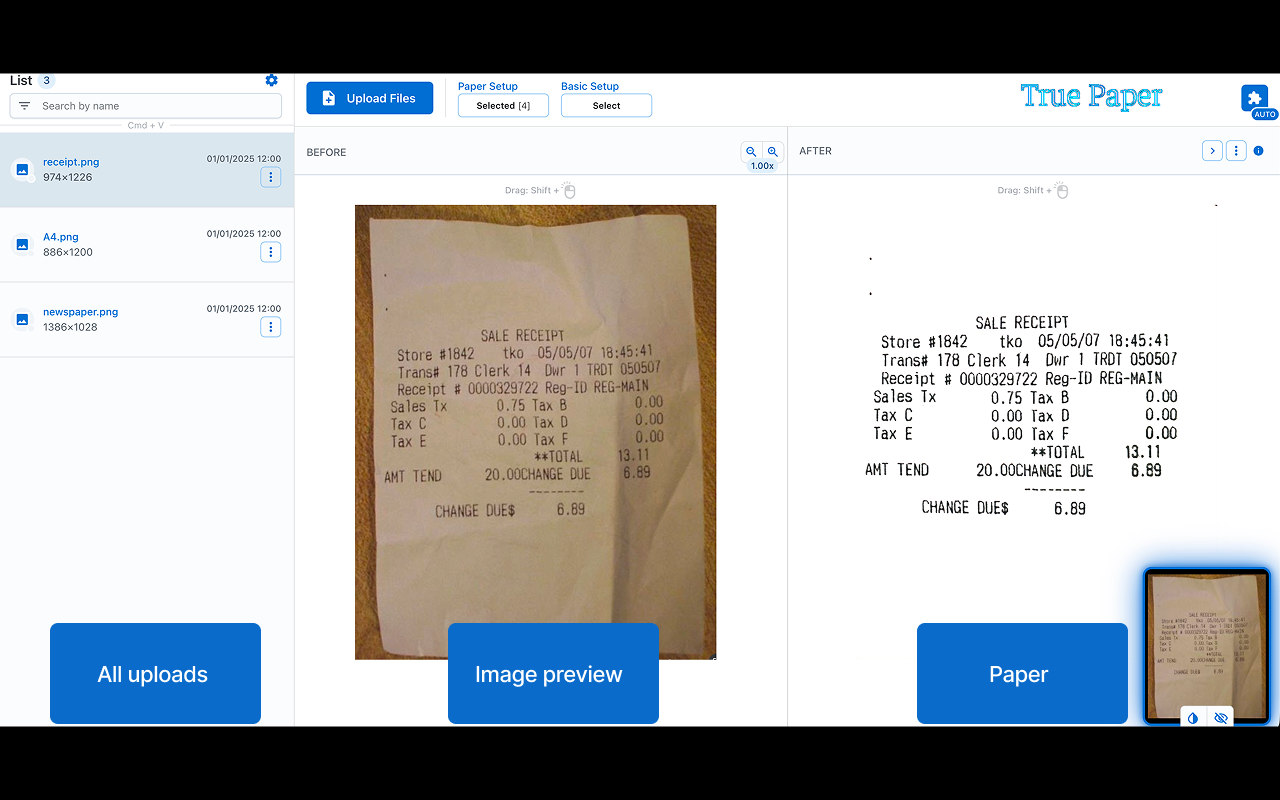
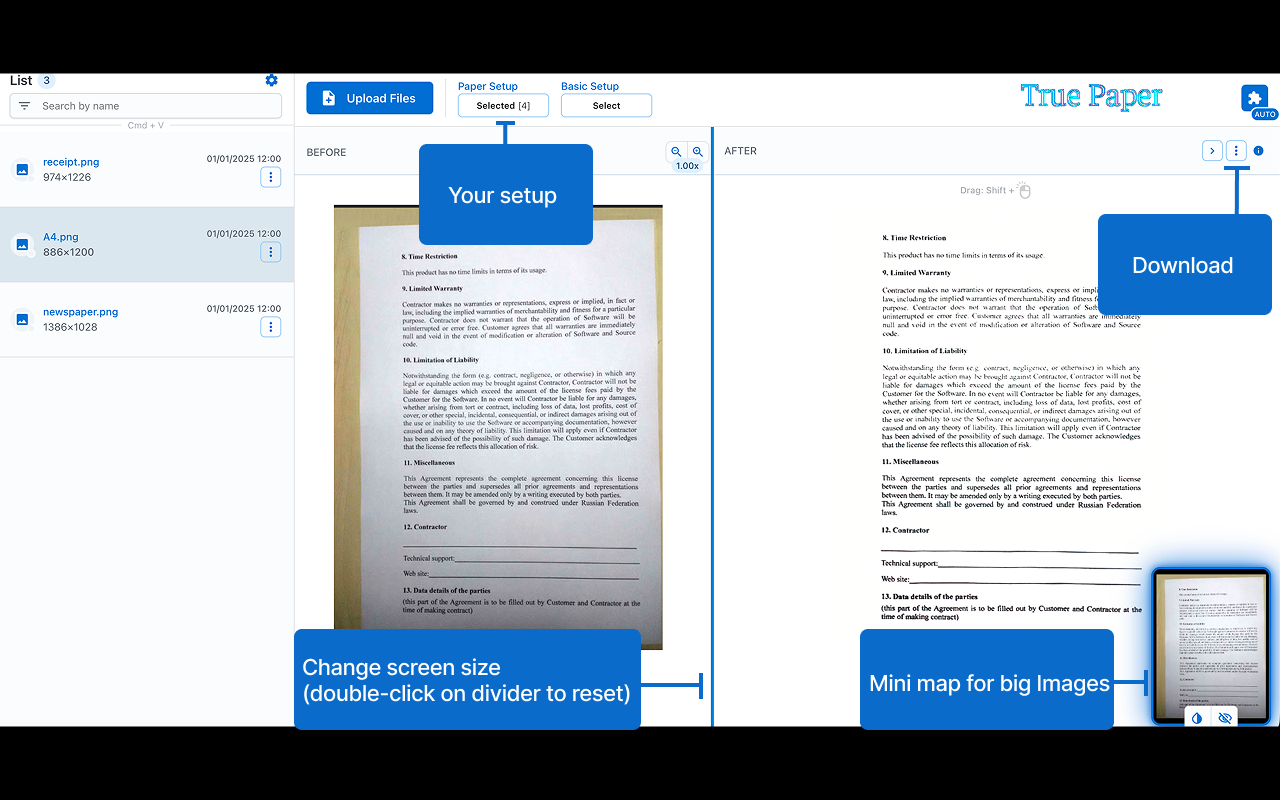
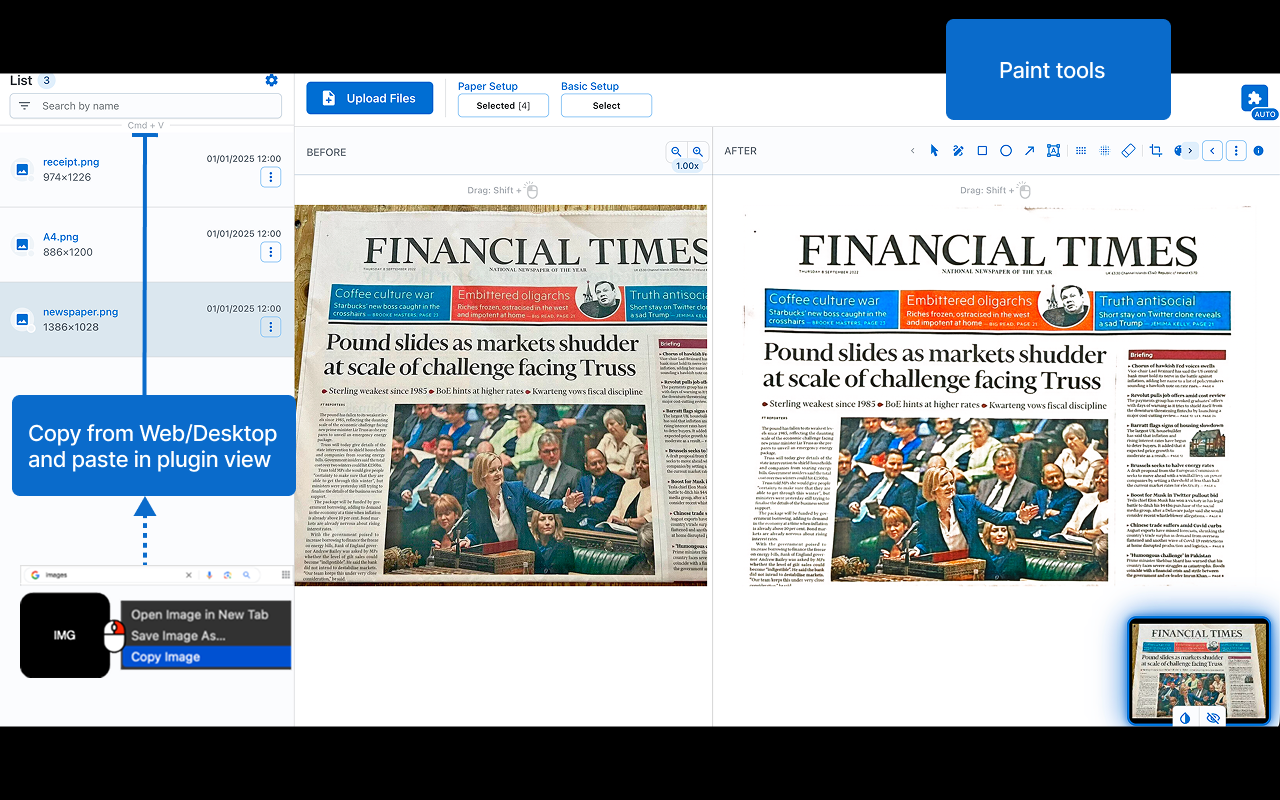
Turns your image into something that looks like real paper by eliminating shadows, distortions and blur. Features: • 🖼️ Perspective Fix: from 3D image to 2D, eliminating distortions. • ✂️ Auto Crop: intelligently detects and crops document edges. • 🎨 Paint: customise paper using paint tools. • ⚡ Performance: converts images to paper without delays (file not sent to internet). • 🎯 Precision: delivers highly accurate results (file quality is not lost). • 🔒 Offline Functionality: operates entirely offline, ensuring your data stays private. • ✨ Extra Options: output size control, watermarking (image/signature), metadata handling, and format selection. Shortcuts: • Paste files from your clipboard for processing: Ctrl/Cmd + V • Copy the modified selection to your clipboard: Ctrl/Cmd + Shift + C Notes: • 🧩 Compatibility: may vary across devices 😢. • ⏳ Processing Speed: depends on your system resources and file size.
Screenshots (5)
Comments (0)
No comments yet. Be the first!